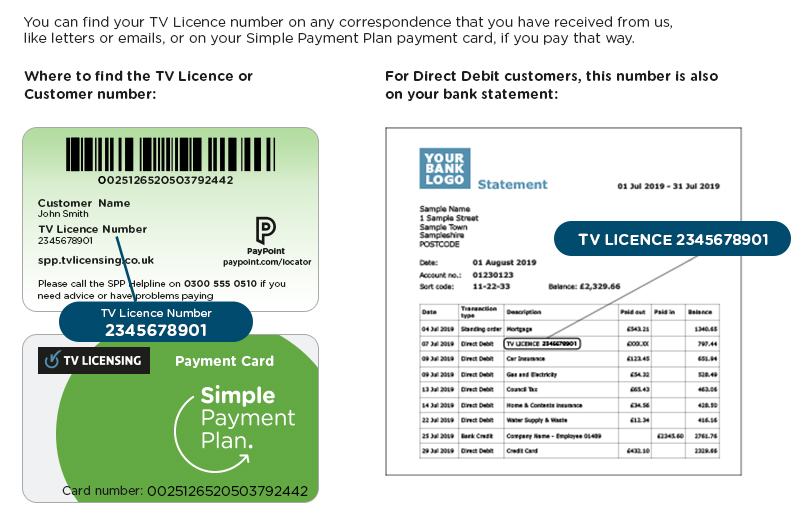
So, you’re curled up on the sofa, remote in hand, ready to binge your latest obsession—and then a little voice whispers, “But do I actually need a TV Licence?” It’s the adult equivalent of wondering if you left the oven on. Let’s unravel this mystery together, without the guilt trip.
First things first: the TV Licence isn’t just for the telly—it’s for any live broadcast or BBC content, even if you catch it on a laptop, tablet, or phone. If you’re watching Love Island live on ITV Hub while your partner is on their phone streaming BBC iPlayer, that counts. Yes, even if you’re multitasking. The trick is knowing what you’re actually watching, not what you could watch.
So, how do you check? Step one: get curious about your habits. Ask yourself: Am I watching or recording live TV on any channel? Am I using BBC iPlayer for on-demand shows? If the answer is “nope—only Netflix, Disney+, or YouTube shorts,” you might be in the clear. But here’s the punchline: just owning a TV with an aerial doesn’t mean you need a licence. It’s about what you do with it, not what it could do. Think of it like owning a microwave—it’s not a crime to have one; it’s only a crime if you use it to reheat last night’s pasta without paying your electricity bill. Okay, maybe not the best analogy, but you get the vibe.
More to explore
Now, for the official check. Head over to the TV Licensing website (yes, the one with the scary letters, but it’s actually just a form). You’ll find a tool called “Check if you need a TV Licence.” It’s like a personality quiz, but for your viewing habits. Answer honestly: “Do you use iPlayer?” “Do you watch live sports on Sky?” Be ruthlessly truthful—because fibbing only leads to anxiety and, eventually, a very grumpy letter from a man in a hi-vis jacket. And nobody wants that.
If you’re still unsure, look at your setup. Got a smart TV but only use it for gaming? No licence needed. Have a tablet but only use it for TikTok dances in your living room? Unless you’re livestreaming them on BBC News, you’re fine. The golden rule: if you’re not watching or recording anything broadcast live, or anything on BBC iPlayer, you can wave goodbye to the licence fee—guilt-free.
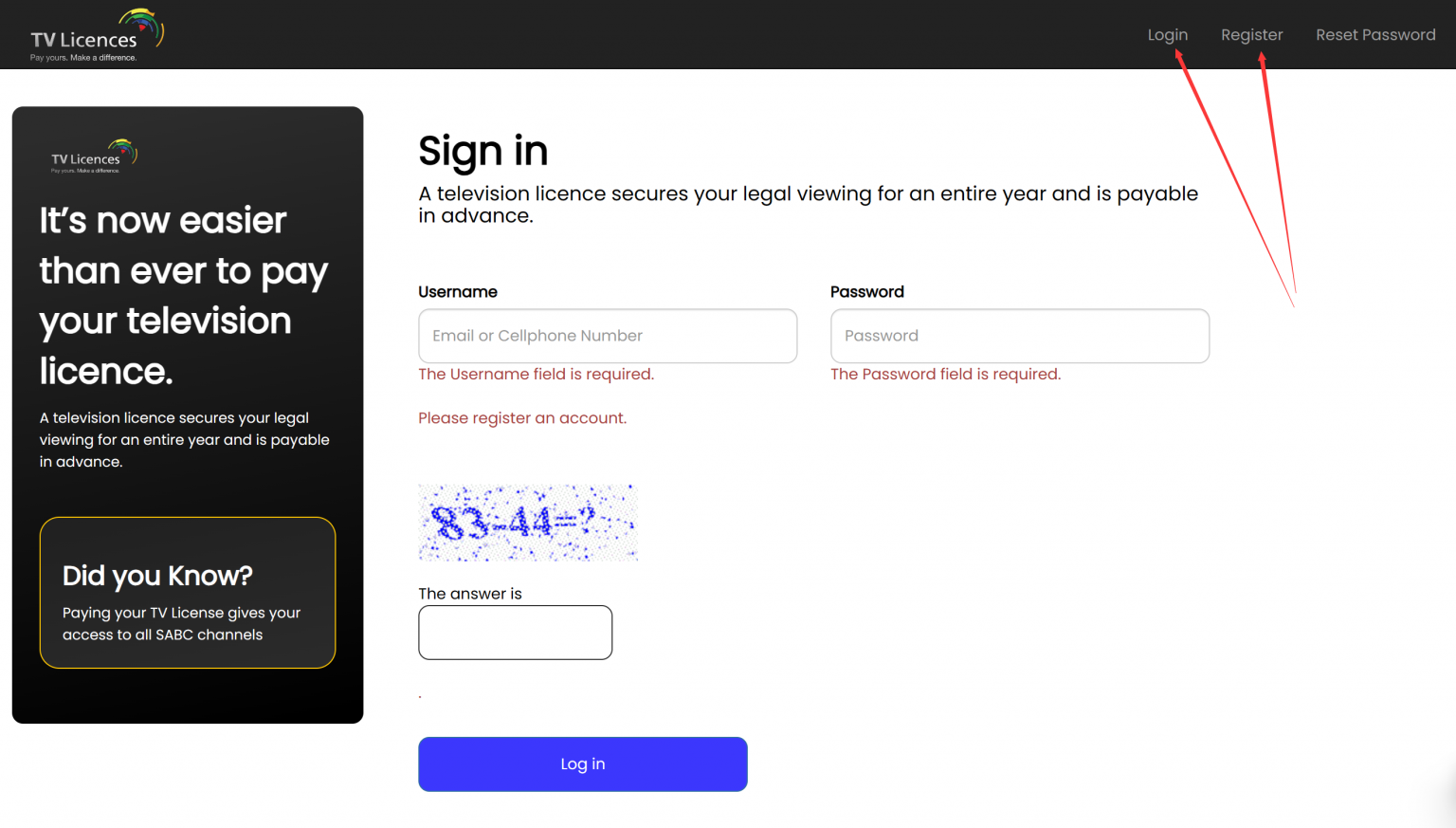 TV License Check with ID Number 2024
Still feeling a bit fuzzy? That’s normal. Embrace the fuzz. You can also call TV Licensing and ask. They’re actually quite friendly once you get past the automated voice. Just say, “Hey, I’m checking my status,” and they’ll walk you through it. Bonus: you get to hear a human voice that isn’t asking you to subscribe to something.
And here’s the uplifting bit: checking your licence status is a tiny act of adulting that feels surprisingly good. It’s like flossing or remembering to buy milk—small, but victorious. Whether you owe a fee or you’re happily licence-free, you’ve taken control. So go ahead, grab that remote, and watch whatever makes you smile—live or not. Because in the end, it’s not about the licence; it’s about the joy of your favourite show, guilt-free and with zero side-eye from that letter in the mail. You’ve got this. Now, pass the popcorn.
